PIXIEBEAM
PROLIGHTS

Pixie Beam

ORDER CODE: PIXIEBEAM

60W single source moving LED beam luminaire with continuous rotation

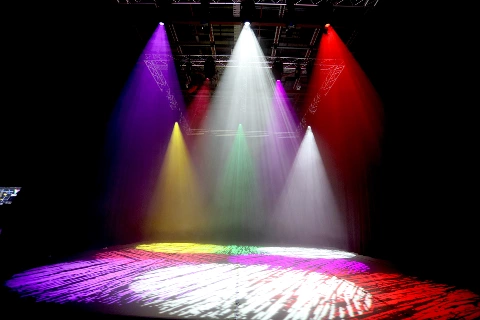
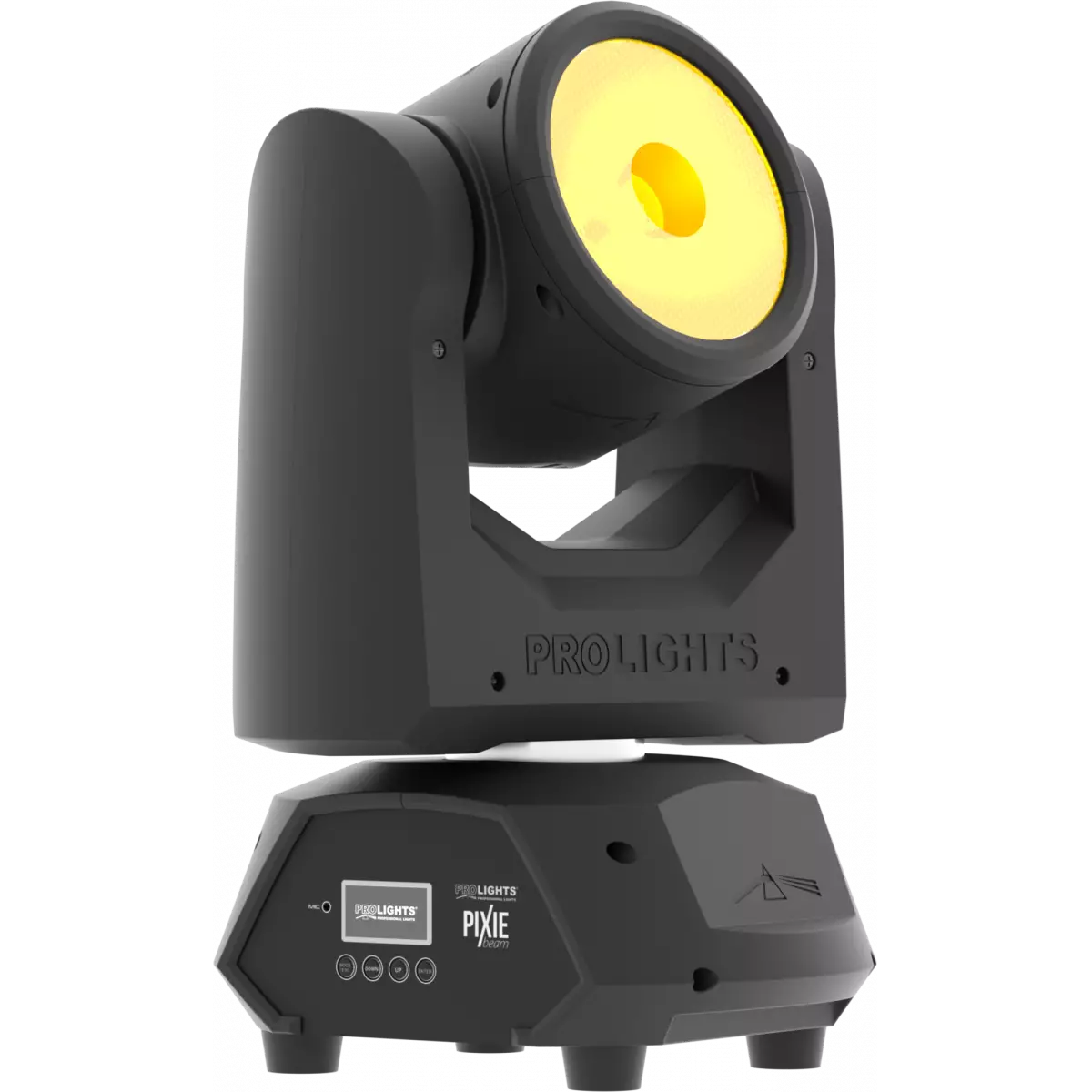
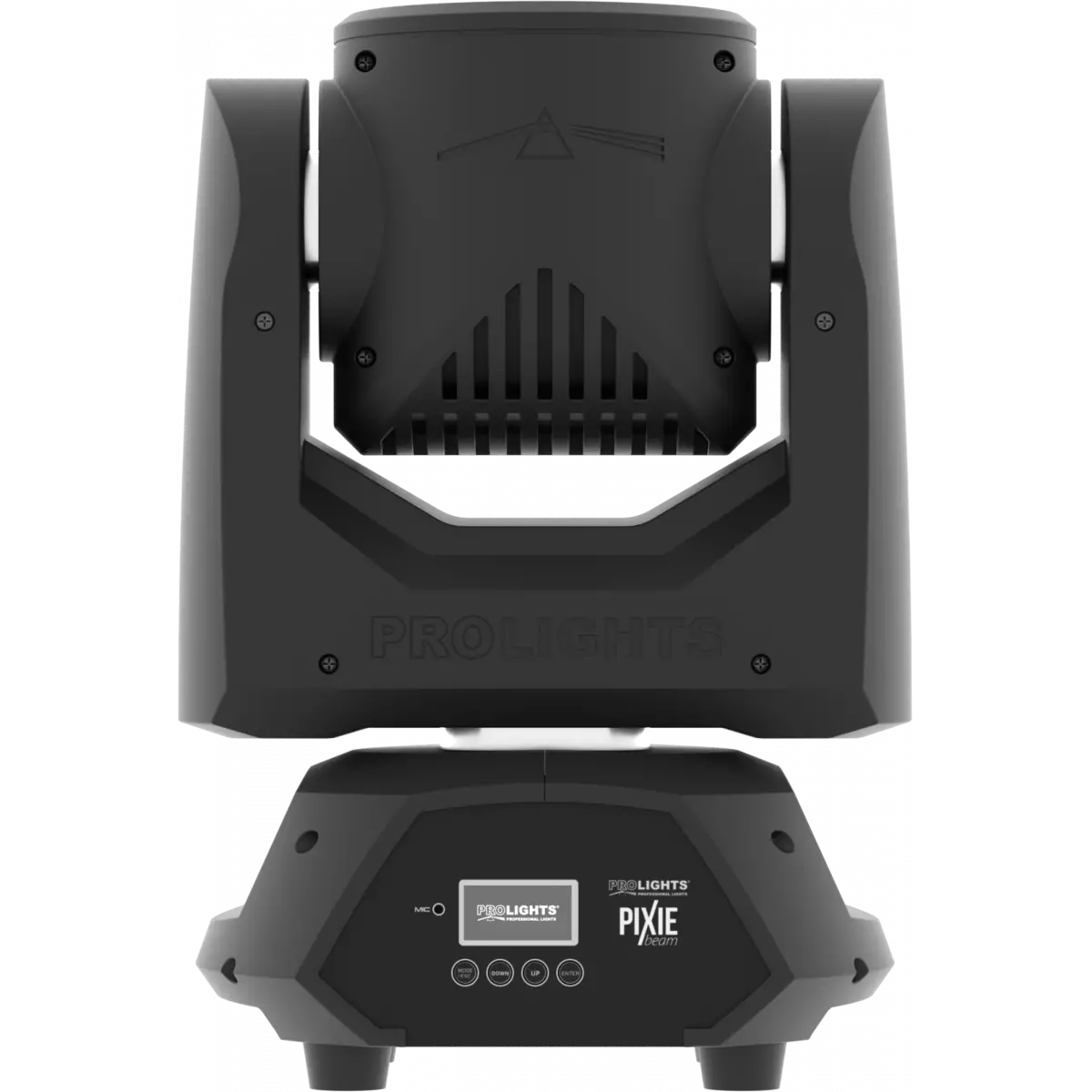
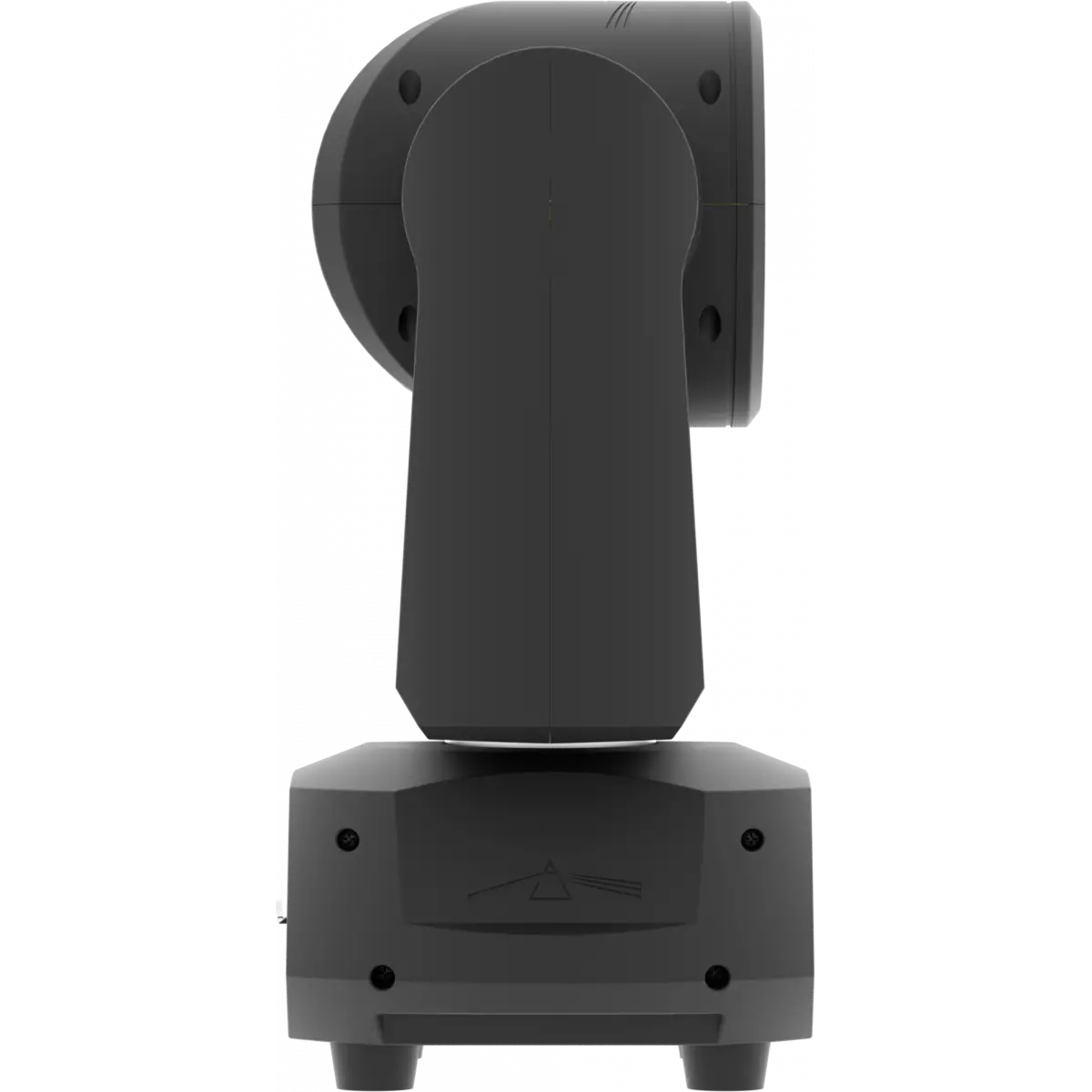
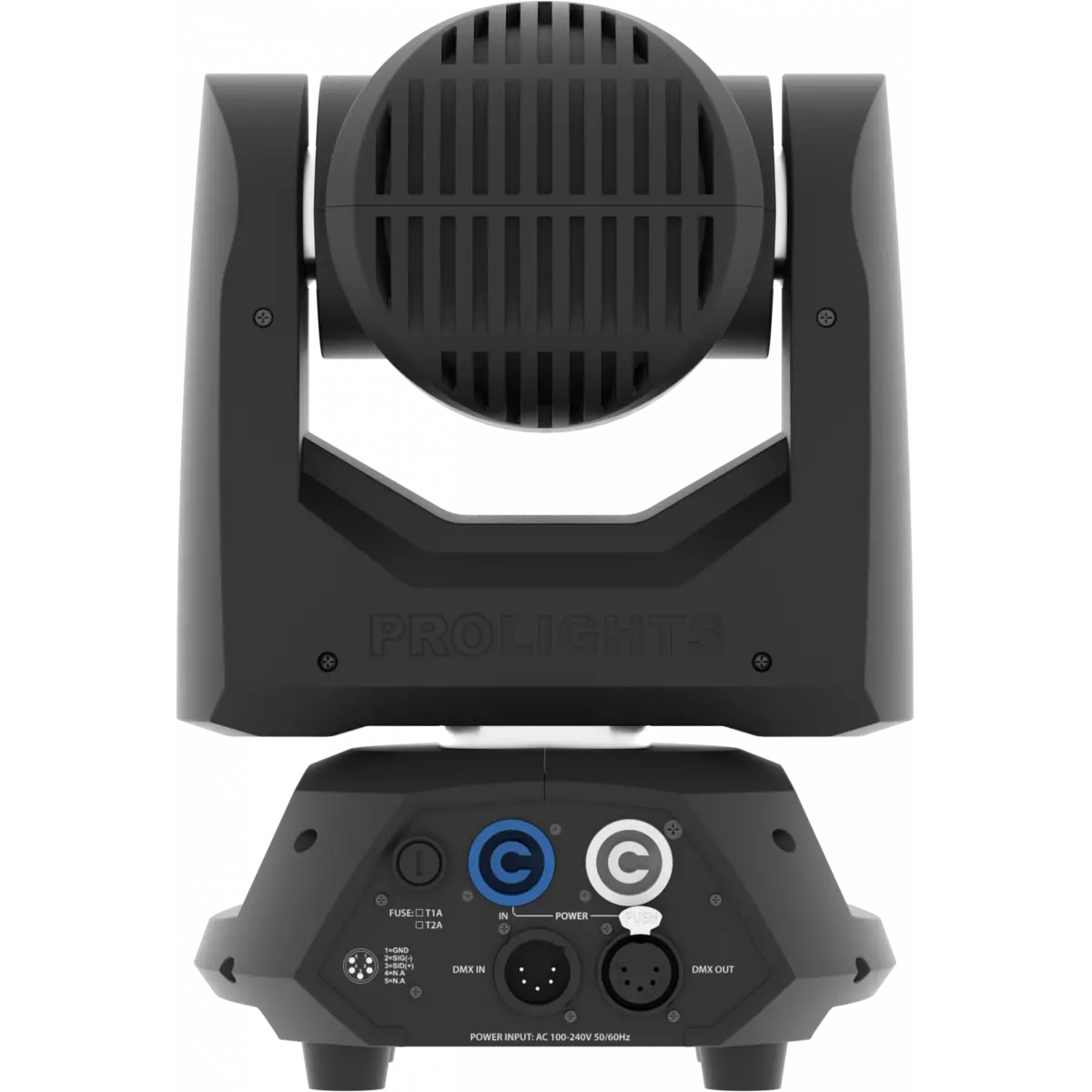
Pixie Beam is a fast, bright and compact moving LED beam luminaire. Some looks are all about scale. The Pixie Beam takes this idea to a different level featuring incredible speed and infinite rotation of both pan and tilt.
Main features:

  • Single 60W Osram Ostar RGBW LED with 100 mm lens delivers a bright, consistent 4,5° beam
  • Compact, lightweight and incredibly fast - the Pixie Beam moves with 'moving mirror' speed
  • Infinite pan and tilt rotation for additional effects

PHOTO GALLERY

Technical specifications

LIGHT SOURCE
  • Source: 60W RGBW Osram Ostar LEDs
  • Lux: 11'120lx @3 m full
  • Source life expectancy: > 50.000 h
OPTICS
  • Beam angle: 4,5°
  • Lens diameter: 100mm / 3.94''
COLOUR SYSTEM
  • Colour mixing: RGBW / FC
  • CCT: CCT control through dedicated DMX channel
  • White presets: 2.000 K ~ 8.000K
  • Colour wheel: virtual colour wheel with macros
CONTROL
  • Supported Protocols: DMX512, RDM
  • DMX channels: 14 / 16 / 18ch
  • RDM: for remote addressing and parameter configuration
  • Display: Graphic User Interface
  • Hibernation: power safe mode when lost DMX
  • Master/Slave: for synchronised operation of more units linked in a chain
MOVEMENT
  • Pan: 540° - 630° - 8/16-bit resolution with 360° endless rotation
  • Tilt: 360° - 8/16-bit resolution with 360° endless rotation
  • Position feedback: automatic repositioning after external movement
ELECTRONICS
  • Dimmer: linear 0 - 100% electronic dimmer
  • Strobe / shutter: 1 - 25 Hz, electronic
  • Firmware upgrade: via DMX with UPBOXPRO/UPBOX2 (not included)
CONNECTIONS
  • Power connection: Neutrik powerCON IN/OUT connectors
  • Signal connection: Amphenol XLR 5p IN/OUT connectors
ELECTRICAL
  • Mains power supply: 100-240V - 50/60Hz
  • Max power consumption (230V): 100W
  • Output (at 230V): 15 units on a single power line
  • Max power consumption (120V): 100W
PHYSICAL
  • IP rating: IP20
  • Cooling: forced-air with low-noise fan
  • Housing: Aluminium structure with high-resistance polycarbonate cover
  • Finish: black
  • Operating temperature: Ta -10 to +45 °C (+14 to +113 °F)
  • Dimensions (WxHxD): 208x300x144mm / 8.19''x11.81''x5.67''
  • Weight: 4kg / 8.82lbs
INSTALLATION
  • Suspension and fixing: any position with quick-lock omega brackets
CERTIFICATIONS / REPORTS
  • Compliance: CE, UKCA, RCM
BOX CONTENT

Versions

Accessories & Related Products

9533FCAL03
9533FCAL03
(Optional)
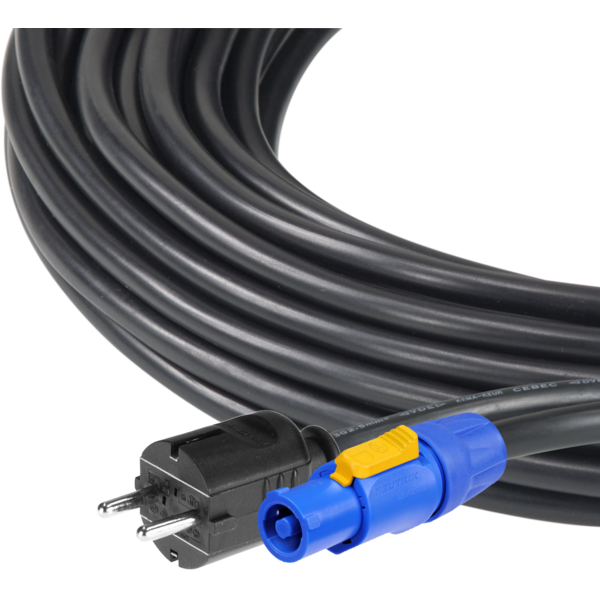
Ass. 3x2.5mm TH07 cable, SCHUKO plug, MENAC3FCA socket, L.3m
TOUR53415L03
TOUR53415L03
(Optional)
Dmx cable HC5340. CANC5MXX XLR 5p->CANC5FXX XLR (f) 5p, L.3m
OS105
OS105
(Included)
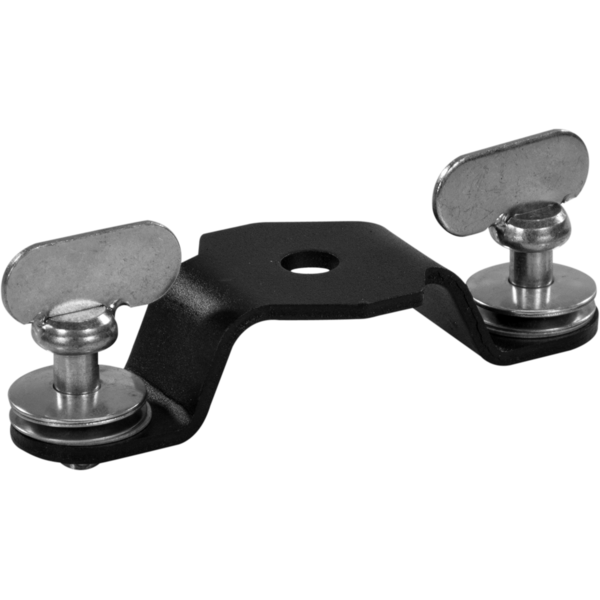
Quick-lock omega bracket compatible with PIXIEBEAM
C6016B
C6016B
(Optional)
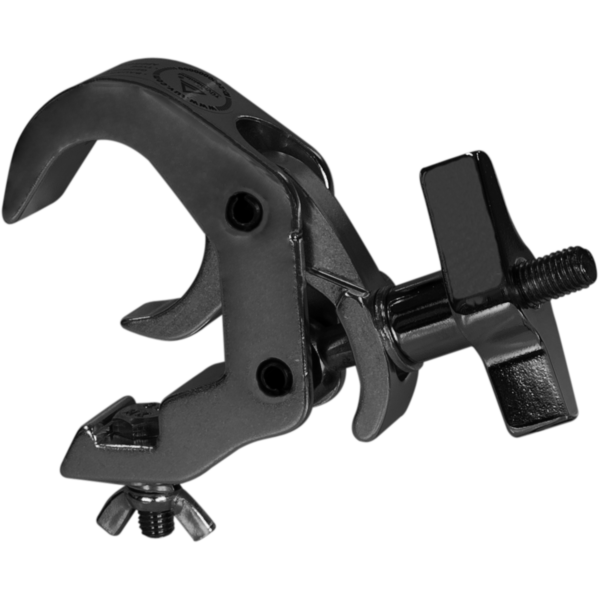
Selflock slim clamp, 250Kg load, 48-51mm tubes, M10 bolt incl, Black&White& White
RSR0630B
RSR0630B
(Optional)
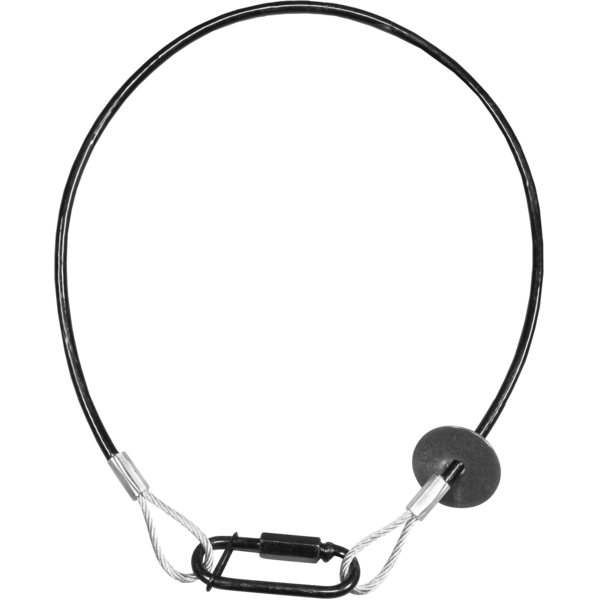
Steel security cable for hanging bodies, inox steel shackle, L=60 cm, black
958025L03
958025L03
(Optional)
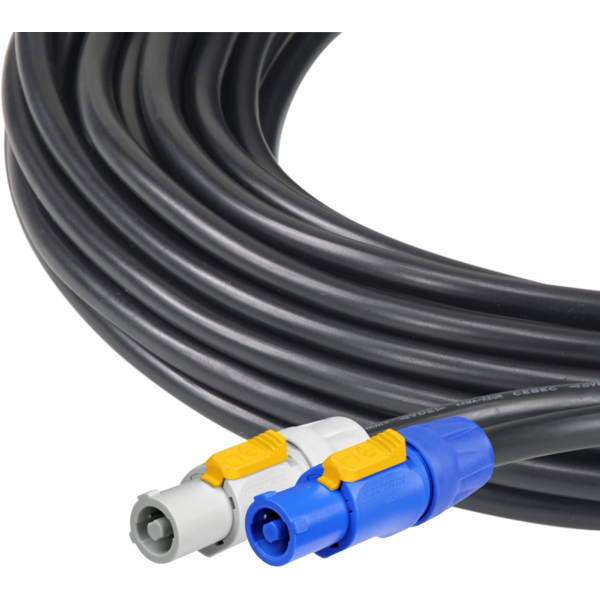
3x2.5mm TH07 Cable, 20A 3p PwCon FCA, 20A 3p PwCon FCB, L. 3m
9513FCAL03
9513FCAL03
(Optional)
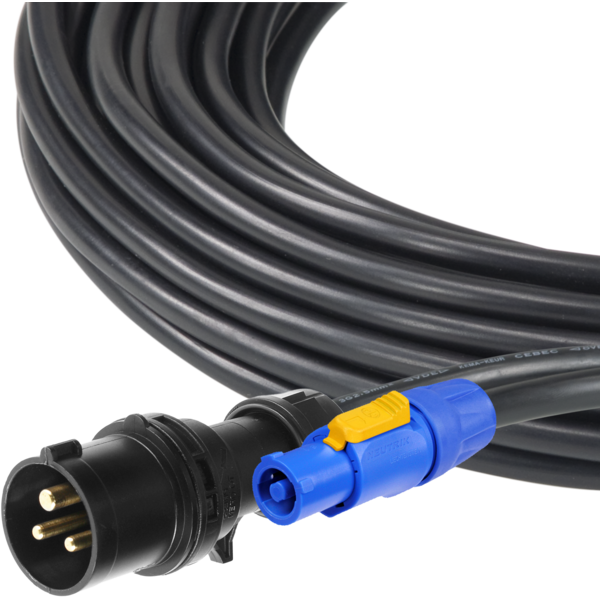
Ass. 3x2.5mm TH07 cable, 16A 3p 230V CEE plug, MENAC3FCA socket, L.3m
FCLPIXIEBEAM
FCLPIXIEBEAM
(Optional)
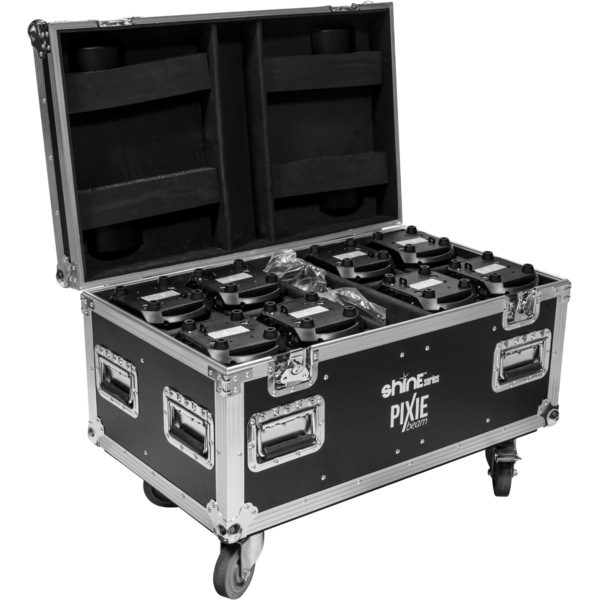
Flight case for 8pcs of PIXIEBEAM
UPBOXPRO
UPBOXPRO

(Optional)
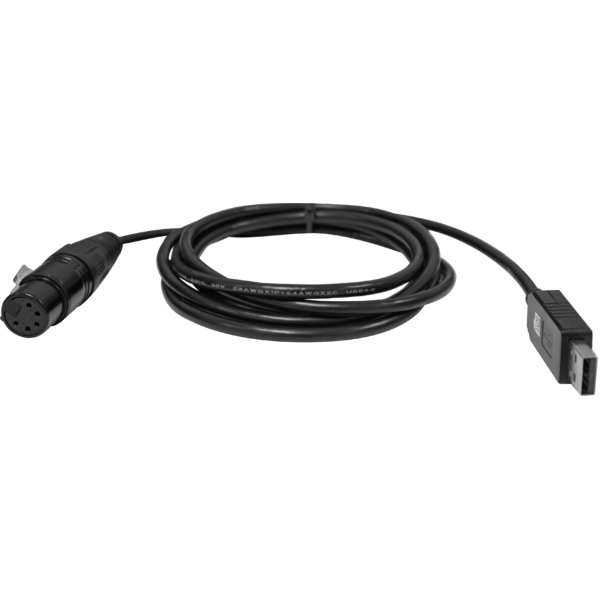
Firmware uploader kit, USB IN, 5-pin XLR DMX OUT connector

DOWNLOAD

Data sheet & specs

File name File size Download
Letter datasheetPixiebeam_A4_DATASHEET_(IT).pdf(30/04/2021)150KB
Letter datasheetPixiebeam_A4_DATASHEET_(EN).pdf(01/09/2021)151KB

User manual

File name File size Download
User manualPixiebeam_USER_MANUAL_ITEN.pdf(20/03/2018)4MB
User manualPixiebeam_General_Safety_Information_EN.pdf(06/06/2023)3MB

DMX chart & personalities

File name File size Download
DMX chartPixiebeam_DMX_CHARTS.pdf(01/02/2018)47KB

PIXIEBEAM Firmware rev. 2.2.02

manufacturer fixture library (Link) Link
prolights_pixiebeam.d4Download
manufacturer fixture library (Link) Link
prolights_pixiebeam_14ch.hedDownload
prolights_pixiebeam_16ch.hedDownload
manufacturer fixture library (Link) Link
pixiebeam_14ch.fdfDownload
pixiebeam_16ch.fdfDownload
pixiebeam_ssl1.zipDownload
pixiebeam_ssl2.zipDownload
manufacturer fixture library (Link) Link
prolights@pixiebeam_14@basic1.xmlDownload
prolights@pixiebeam_16@standard.xmlDownload
manufacturer fixture library (Link) Link
pixiebeam_hog3.zipDownload
pixiebeam_bas.hog4showDownload
pixiebeam_std.hog4showDownload
manufacturer fixture library (Link) Link
pixiebeam_martin.zipDownload
manufacturer fixture library (Link) Link
pixie beam basic1.fix2Download
pixie beam standard.fix2Download
manufacturer fixture library (Link) Link

PIXIEBEAM Firmware rev. 1.2.02

manufacturer fixture library (Link) Link
prolights_pixiebeam.d4Download
manufacturer fixture library (Link) Link
prolights_pixiebeam_14ch.hedDownload
prolights_pixiebeam_16ch.hedDownload
manufacturer fixture library (Link) Link
pixiebeam_14ch.fdfDownload
pixiebeam_16ch.fdfDownload
pixiebeam_ssl1.zipDownload
pixiebeam_ssl2.zipDownload
manufacturer fixture library (Link) Link
prolights@pixiebeam_14@basic1.xmlDownload
prolights@pixiebeam_16@standard.xmlDownload
manufacturer fixture library (Link) Link
pixiebeam_hog3.zipDownload
pixiebeam_bas.hog4showDownload
pixiebeam_std.hog4showDownload
manufacturer fixture library (Link) Link
pixiebeam_martin.zipDownload
manufacturer fixture library (Link) Link
pixie beam basic1.fix2Download
pixie beam standard.fix2Download
manufacturer fixture library (Link) Link

PIXIEBEAM Firmware rev. 2.0.00

manufacturer fixture library (Link) Link
prolights_pixiebeam.d4Download
manufacturer fixture library (Link) Link
prolights_pixiebeam_14ch.hedDownload
prolights_pixiebeam_16ch.hedDownload
manufacturer fixture library (Link) Link
pixiebeam_14ch.fdfDownload
pixiebeam_16ch.fdfDownload
pixiebeam_ssl1.zipDownload
pixiebeam_ssl2.zipDownload
manufacturer fixture library (Link) Link
prolights@pixiebeam_14@basic1.xmlDownload
prolights@pixiebeam_16@standard.xmlDownload
manufacturer fixture library (Link) Link
pixiebeam_hog3.zipDownload
pixiebeam_bas.hog4showDownload
pixiebeam_std.hog4showDownload
manufacturer fixture library (Link) Link
pixiebeam_martin.zipDownload
manufacturer fixture library (Link) Link
pixie beam basic1.fix2Download
pixie beam standard.fix2Download
manufacturer fixture library (Link) Link

Photometrics

File name File size Download
PhotometricsPixiebeam_PHOTOMETRICS.pdf(11/02/2020)215KB
DialuxDownload DIALux product catalogue-

CAD symbols & drawings

File name File size Download
3D RFAPixiebeam_3D.rfa(23/04/2021)8MB
2DPixiebeam_CAD_2D.dwg(11/05/2021)2MB
3DPixiebeam_CAD_3D.dwg(20/08/2019)31MB
2D cad symbolsPixiebeam_CAD_2DSYMBOLS.dwg(09/03/2020)69KB
Technical drawingPixiebeam_TECHNICAL_DRAWING.pdf(11/05/2021)281KB
VectorWorksPROLIGHTS_VECTORWORKS_v2025_LIBRARY.vwx(13/05/2025)321MB
VectorWorksPROLIGHTS_VECTORWORKS_v2020_LIBRARY.vwx(13/05/2025)276MB
VectorWorksVECTORWORKS_SYMBOLS.vwx(09/03/2020)475KB

Tech docs

File name File size Download

Software

File name File size Download

Firmware


Firmware Update Information

PROLIGHTS product firmware can be updated in several ways, depending on the product and file extension. The available methods are listed in the product specifications in the CONTROL - Firmware upgrade section.

Method/Device File extension Needed software Instructions
UPBOXPRO (*) .PRL UpBox_Tool Guide
USB port .PRL No software needed see User Manual 
Ethernet port .EHEX Professional Uploader Guide
Ethernet port .ALF DMX Workshop Guide

(*) You can still use UPBOX1 and UPBOX2 by checking their compatibility on the product accessories page. To use UPBOX2, you need to download the drivers from the following link.

Note: Some products without DMX or USB inputs may require an additional device and may not be compatible with UPBOXPRO. Check here  the products list.

UPDATE Instructions

  1. Check the update methods available on your product in the CONTROL - Firmware upgrade section.
  2. Download the firmware and software dedicated for the update.
  3. Follow the update guide available in the firmware folder.
Update Tool: UPBOXPRO UPBOXPRO
Check hardware changelog before downloading firmware
Revision Release date Firmware changelog HW Compatibility
2.2.02 STABLE 25/09/2023 Firmware for Hardware Revision 2.

Improvement:
  • Improved display management.
Rev. 1.0
1.2.02 STABLE 18/11/2019 Improved display management. Rev. 1
2.0.00 STABLE 17/11/2019 Firmware for Hardware Revision 2. Rev. 1.0

Info Request

News

PROLIGHTS Astra Hybrid260IP Achieves Full Global Compliance, Including US FDA CDRH Certification
April 17, 2026
PROLIGHTS Astra Hybrid260IP Achieves Full Global Compliance, Including US FDA CDRH Certification
The PROLIGHTS Astra Hybrid260IP has completed its international compliance portfolio with the receipt of US FDA CDRH certification for its 260W white phosphor laser source. The fixture now holds CE , RCM , FCC , cTUVus , and FDA CDRH approval, and is
Music & Lights announces the upcoming arrival of 3,000 sqm of URMIII for the Italian market.
April 09, 2026
Music & Lights announces the upcoming arrival of 3,000 sqm of URMIII for the Italian market.
Music & Lights , exclusive distributor for the Italian market of Unilumin Rental solutions, announces the upcoming arrival of 2,000 sqm of URMIII P2.6 U-Shield   and 1,000 sqm of URMIII P3.9 Outdoor. Two complementary stocks, indoor and outdoor, designed
Astra Profile500LTIP Chosen for Finland's 27th KONGRESSI Meetings & Events
April 08, 2026
Astra Profile500LTIP Chosen for Finland's 27th KONGRESSI Meetings & Events
Now in its 27th edition, KONGRESSI meetings & events , one of Finland 's leading b2b events for the meetings and events industry, brought together the key buyers, professionals and service providers of the sector at Helsinki Expo and Convention Centre
Music & Lights at MIR 2026 with the Latest Innovations and a Large Demo Area
April 07, 2026
Music & Lights at MIR 2026 with the Latest Innovations and a Large Demo Area
Music & Lights will be exhibiting at MIR 2026 , the leading Italian trade show dedicated to multimedia integration and professional entertainment technologies, taking place at the Rimini Expo Center from 12 to 14 April 2026. At Stand A3/087, the largest
PROLIGHTS Returns to MIR 2026 with the Premiere of SunBar FLX
April 07, 2026
PROLIGHTS Returns to MIR 2026 with the Premiere of SunBar FLX
PROLIGHTS will be exhibiting at MIR 2026 , the leading Italian trade show for multimedia integration and professional entertainment technologies, held at the Rimini Expo Center from 12 to 14 April. At Stand A3/087, visitors will have the opportunity to
PROLIGHTS launches SunBar FLX: IP65 linear hybrid strobe and flood fixture
March 30, 2026
PROLIGHTS launches SunBar FLX: IP65 linear hybrid strobe and flood fixture
PROLIGHTS launches SunBar FLX , a linear IP65 hybrid LED strobe and wash fixture that expands the Sun family for high-impact strobes and modular blinder looks. Combining versatility, free-form modularity and extreme output, SunBar FLX is designed for
Kings League Italia returns with a PROLIGHTS lighting system bridging sport and streaming
March 26, 2026
Kings League Italia returns with a PROLIGHTS lighting system bridging sport and streaming
The Second Split of Kings League Italia , the seven-a-side football tournament streamed live across multiple platforms, took place at Fonzies Arena in Cologno Monzese , with a PROLIGHTS lighting system at the heart of a production built around one of
Under The Bridge Festival Illuminated from Stage to Stage with PROLIGHTS
March 24, 2026
Under The Bridge Festival Illuminated from Stage to Stage with PROLIGHTS
Under The Bridge Festival is a one-day open-air music event held beneath the Spijkenisserbrug, the iconic bridge that gives the festival its name and its unmistakable industrial backdrop. With five stages and six zones spanning EDM, house, techno and
Skolnity's Observation Tower in Wisła Lights Up at Night with PROLIGHTS
March 19, 2026
Skolnity's Observation Tower in Wisła Lights Up at Night with PROLIGHTS
The observation tower at Skolnity Ski & Bike Park in Wisła , Poland, part of the Wieża Widokowa network managed by Grupa Pingwina, has been equipped with a permanent architectural lighting installation featuring PROLIGHTS fixtures, supplied by Show
A New Dimension in Stage Lighting at Teatro Scala in Quito with PROLIGHTS
March 17, 2026
A New Dimension in Stage Lighting at Teatro Scala in Quito with PROLIGHTS
Teatro Scala in Quito , one of Ecuador's foremost venues for high-level artistic productions, has equipped its stage with a comprehensive PROLIGHTS lighting system, implemented by Sonotec , the official PROLIGHTS distributor in Ecuador.  The installation
Walnut Street Theatre Upgrades Its Lighting System with PROLIGHTS 
March 12, 2026
Walnut Street Theatre Upgrades Its Lighting System with PROLIGHTS 
Philadelphia's Walnut Street Theatre is one of the most historic venues in American theatre. Founded in 1808, it is the longest continually operating theatre in the English-speaking world and hosts a diverse program of productions each season, welcoming
PROLIGHTS HaluPix Duo Lights Up Guus Meeuwis' 30th Anniversary Show
March 10, 2026
PROLIGHTS HaluPix Duo Lights Up Guus Meeuwis' 30th Anniversary Show
Thirty years after the release of Het is een Nacht , Dutch singer-songwriter Guus Meeuwis headlined the AFAS DOME in Antwerp , one of Belgium's leading indoor arenas, for the first time with a major solo show. Across two memorable nights, his greatest

Subscribe to our Newsletter

Loading...